
AI
Your next Salesforce interface could be a conversation
What if your team could get useful answers from Salesforce simply by asking? AI could make that possible, but the foundations behind the conversation still matter.
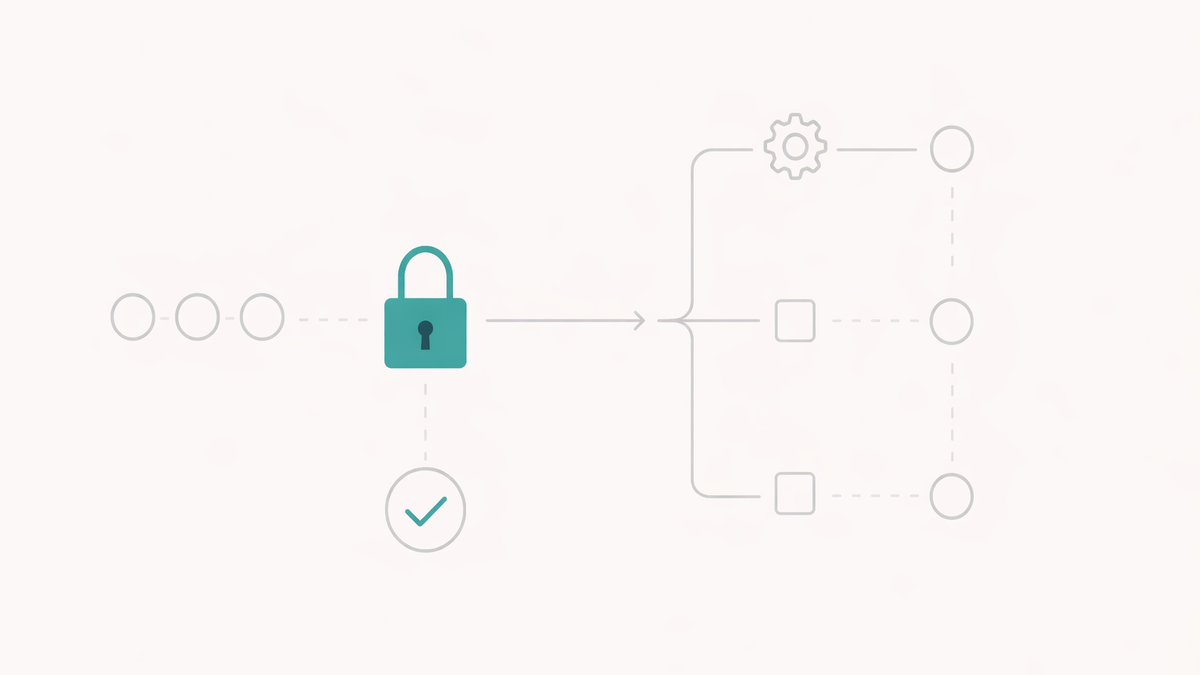
“Get me ready for tomorrow’s supporter meeting.”
Imagine asking that question and receiving a useful briefing: recent conversations, outstanding commitments and the follow-up you promised last time. No searching through tabs or piecing together a history from several screens.
For charities with stretched teams, that is an appealing possibility. It could make CRM information more accessible to colleagues who need the answers but struggle with the system.
Salesforce’s AIforce announcement points in that direction, bringing Salesforce data and capabilities into interfaces such as Claude and Slack.
The opportunity is easier access to the knowledge your organisation already holds. Making that useful takes more than connecting another tool.
A simpler interface still relies on the same foundations
Salesforce says AIforce operates through existing permissions and business rules. That makes the quality of your current setup particularly important.
If access is too broad, an AI interface inherits a problem. If records are incomplete, a fluent summary may still leave out something essential. If two systems disagree, the assistant needs a way to recognise and explain the difference.
A confident answer can feel authoritative. Your team still needs to know what supports it.
One sentence can start a longer chain
Reading information and changing it are different levels of responsibility.
In a charity’s configured CRM, changing a fundraising opportunity’s stage might update a forecast, trigger a handover task or notify a finance team. A connected system might then act on that change.
Where an AI integration allows record updates, the person making the request needs to understand what will happen beyond the field being edited.
That is why the design of the underlying process matters just as much as the quality of the conversation.
Five decisions that make a pilot useful
Before choosing a pilot, work through five practical decisions:
- 01Who should see what? Test access using the permissions of the people who will actually use it. Include sensitive records and fields in those checks.
- 02What can the assistant change? Be explicit about which tasks retrieve information, prepare drafts or save changes. Establish where approval is required.
- 03What happens after a change? Follow the relevant automation and integrations through to their final effect, including notifications and updates elsewhere.
- 04Which information can it rely on? Identify the authoritative source when systems disagree. Check what data reaches the AI provider and the terms governing its handling.
- 05How will people check and correct it? Give users a practical way to verify important answers, report mistakes and get help from someone responsible for the process.
These decisions give the pilot a clear purpose and make its results easier to judge.
Start with one task people already find frustrating
A meeting briefing could be a useful starting point, provided the chosen integration supports the records involved. Keep the scope narrow, check the output against its sources and measure whether it saves preparation time without missing important context.
Salesforce in Claude remains in beta, so confirm the available capabilities and licensing for your organisation. A sales-focused demonstration does not establish that a charity’s particular processes are supported.
The opportunity is real enough to investigate. Start with a task your team recognises, define what a good result looks like and prove that the information behind the answer deserves their trust.
Written by
Michael Skinner
Michael helps charities choose, connect and improve the technology they rely on, with particular experience across CRM, integrations, Salesforce and practical AI.