AI
Before AI changes your CRM, ask how you’ll undo it
An AI agent can update a record in seconds. Before giving it permission, decide what it may change, who can stop it and what happens when it gets something wrong.
Imagine a charity asks an AI agent to tidy supporter records. It matches two people with similar names, updates the wrong record and adds that person to an event invitation list. An existing automation sends the email.
Restoring the original field value will not bring that message back.
As AI moves from drafting suggestions to taking actions in connected systems, that distinction matters. A successful demonstration should include what happens when the agent gets something wrong.
The ICO is currently asking for evidence on agentic AI, including security, transparency and accountability. Its consultation closes on 20 November 2026. This is work towards guidance, rather than final guidance, but the operational questions already deserve attention.
What is it allowed to change?
Start with a specific task and a limited set of permissions. An agent that prepares a suggested correction does not need the same access as one that applies it.
Decide which records and fields it may update, what evidence it must use and when it must stop for review. Treat deletion, payment changes and communications as separate decisions, with controls suited to their consequences.
How will you know what happened?
You need enough evidence to identify the affected record, the action taken and its outcome. For changes you may need to reverse, retain the previous value securely and only for as long as necessary.
Check the full process too. Did the CRM update trigger another automation? Did an external system receive the change? A confirmation from one step does not prove that everything finished correctly.
Who can stop it and put things right?
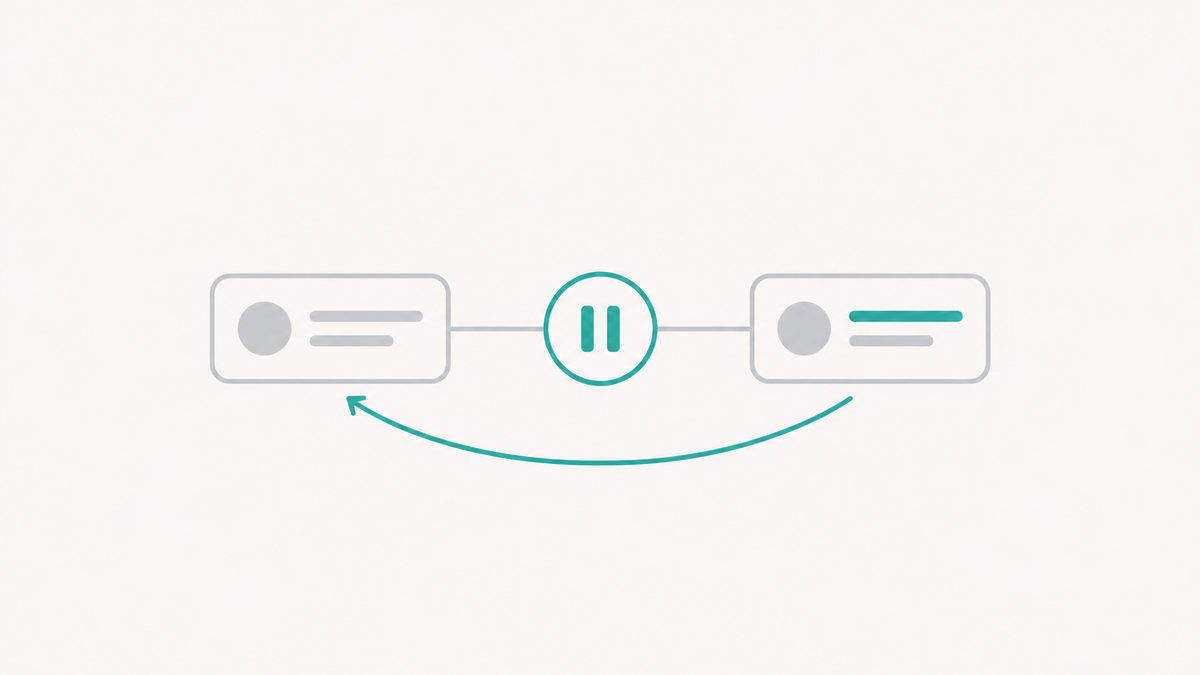
Name the person responsible for pausing the process and investigating mistakes. Give them a tested way to stop further actions.
Work through recovery before launch. Some changes can be reversed; others need a corrective action or a conversation with the person affected. Retrying a failed step must also avoid creating duplicate records, messages or payments.
Salesforce’s agentic integration guidance explicitly addresses safe retries and recovery when only part of a process succeeds. These are design decisions to resolve before granting access.
Start with a useful boundary
My starting point would be a small trial where AI proposes changes and a person approves them. Measure the corrections reviewers make, then decide whether any actions are suitable to run without individual approval.
This is also a useful supplier test: ask them to demonstrate a wrong match, a failed step and recovery, alongside the successful journey.
Before AI changes your CRM, be clear about who can stop it and what putting things right would actually involve.
Written by
Michael Skinner
Michael helps charities choose, connect and improve the technology they rely on, with particular experience across CRM, integrations, Salesforce and practical AI.